Scan. Sip. Share.
Share your menu by QR code or link.
 Open app
For your next get-together
DrinkClink brings drink recipes, your bar inventory and party menus together. Plan cocktails, mocktails, café drinks and juices, then share your menu with good company.
Free to use. Selected menu themes are available to purchase.
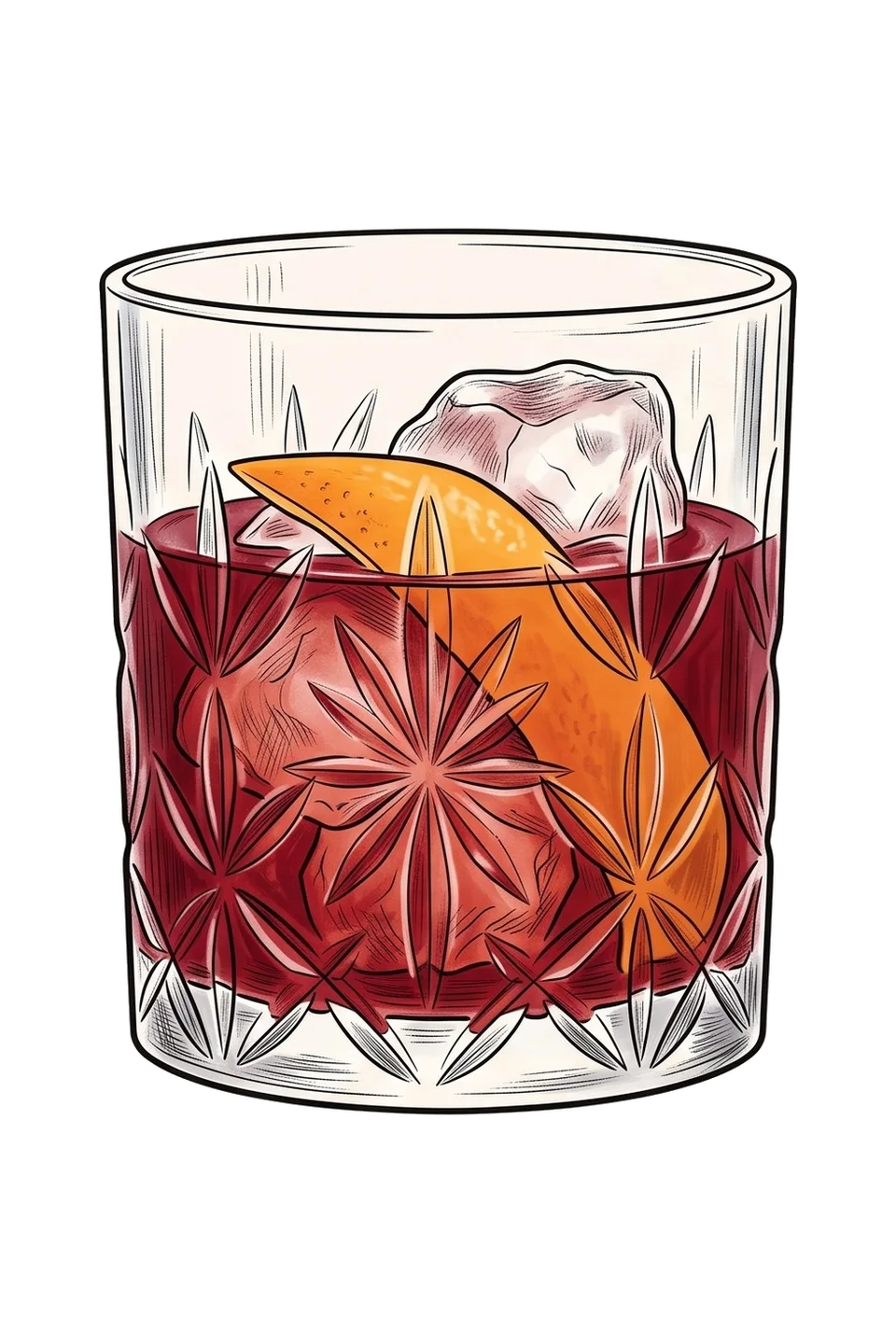 Cocktail
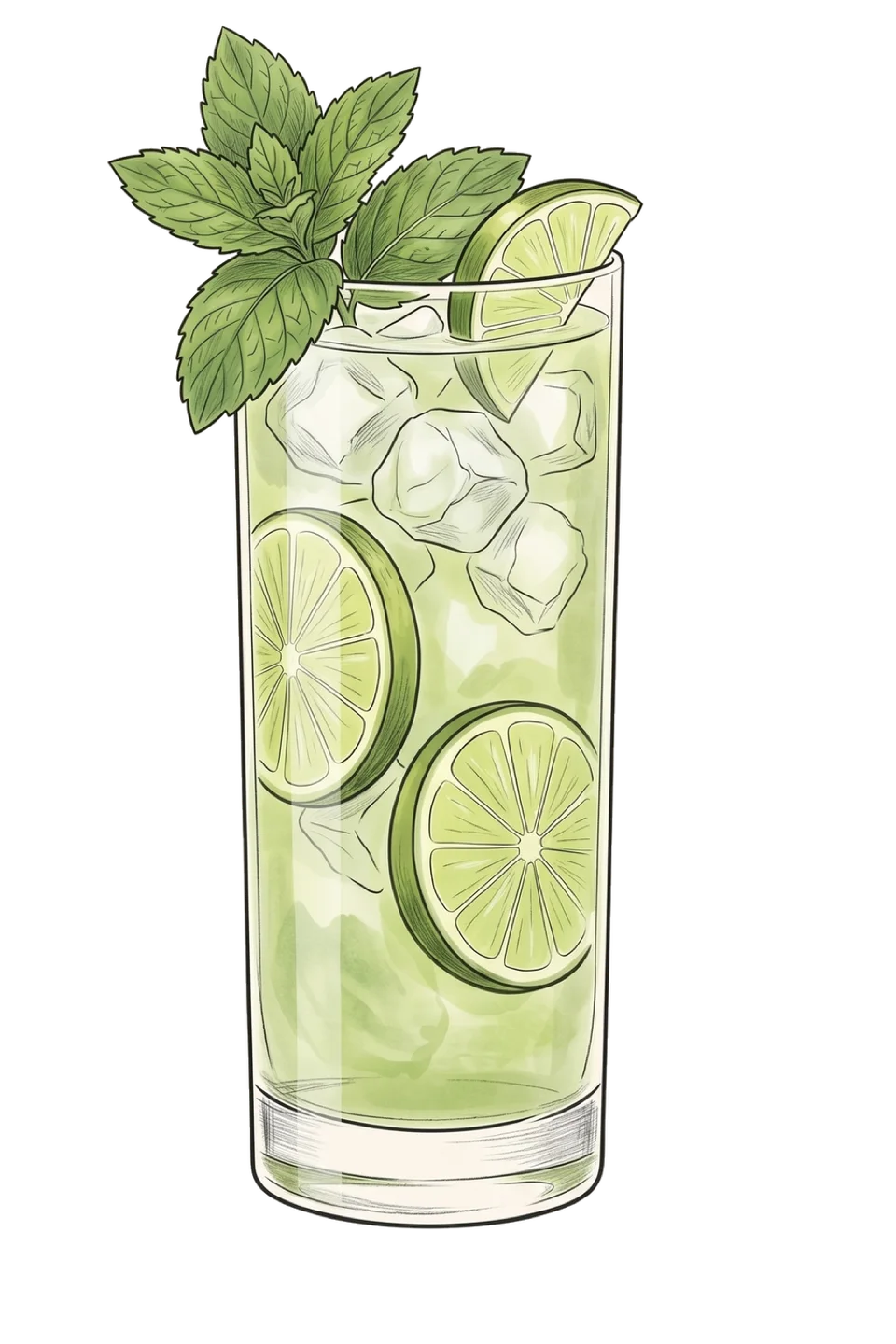 Mocktail
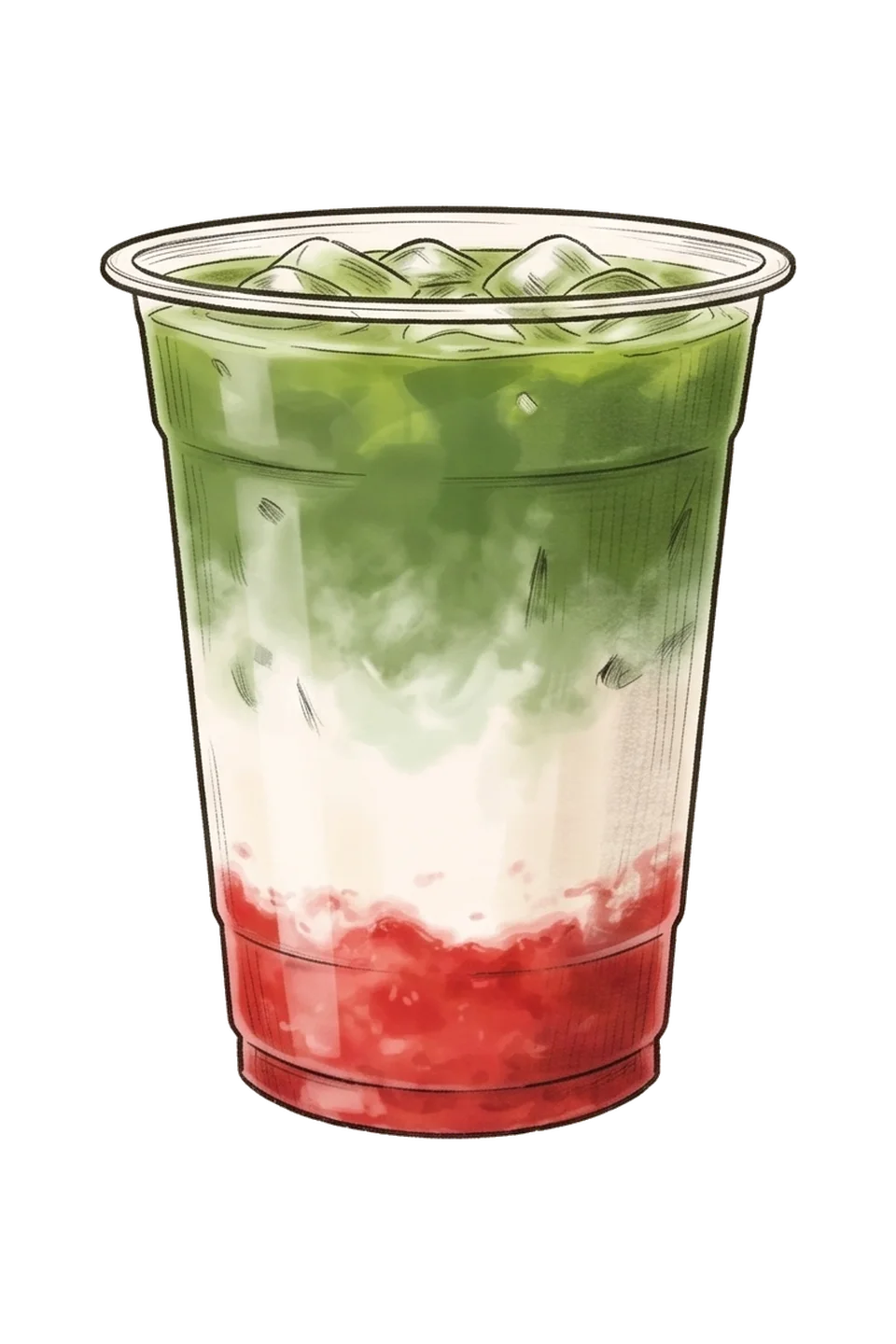 Café
Make it yours
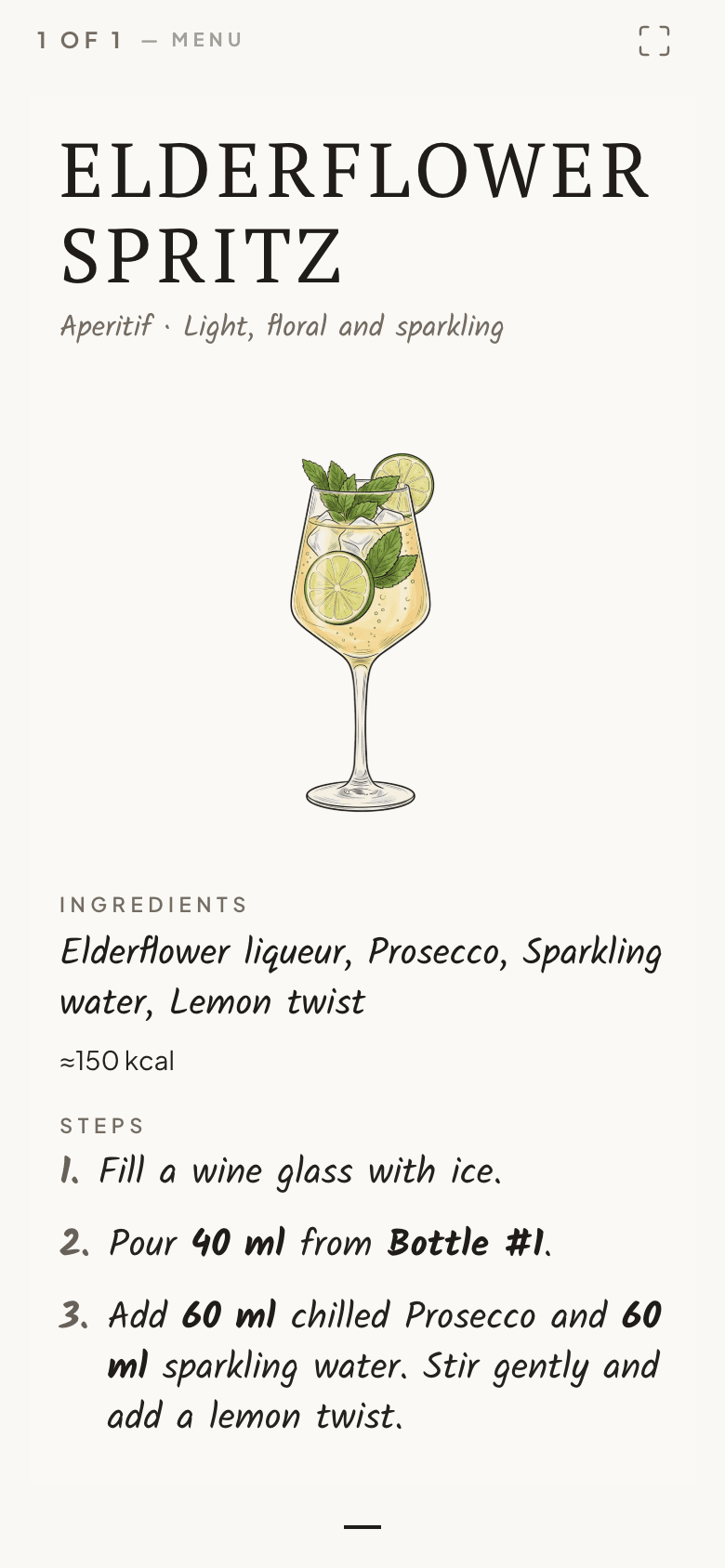
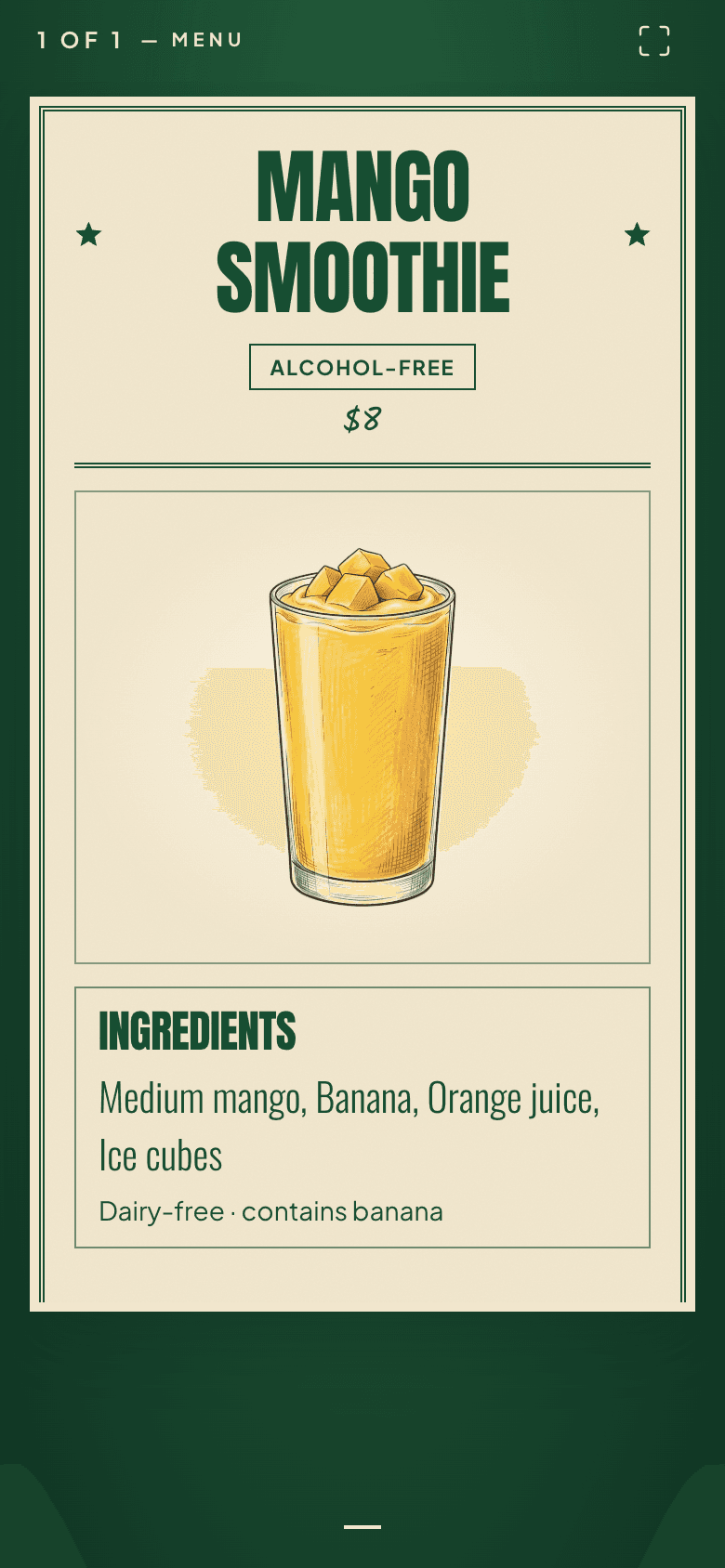
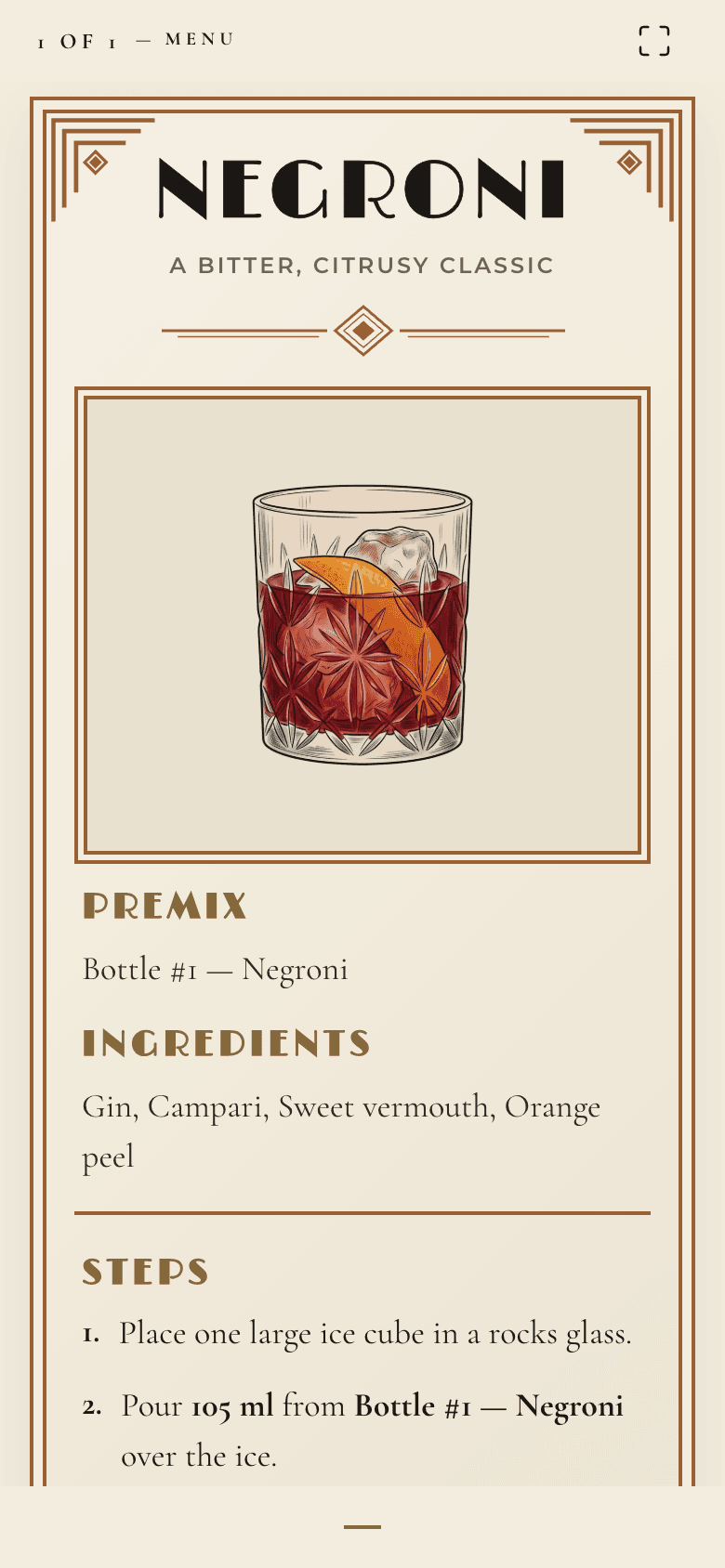
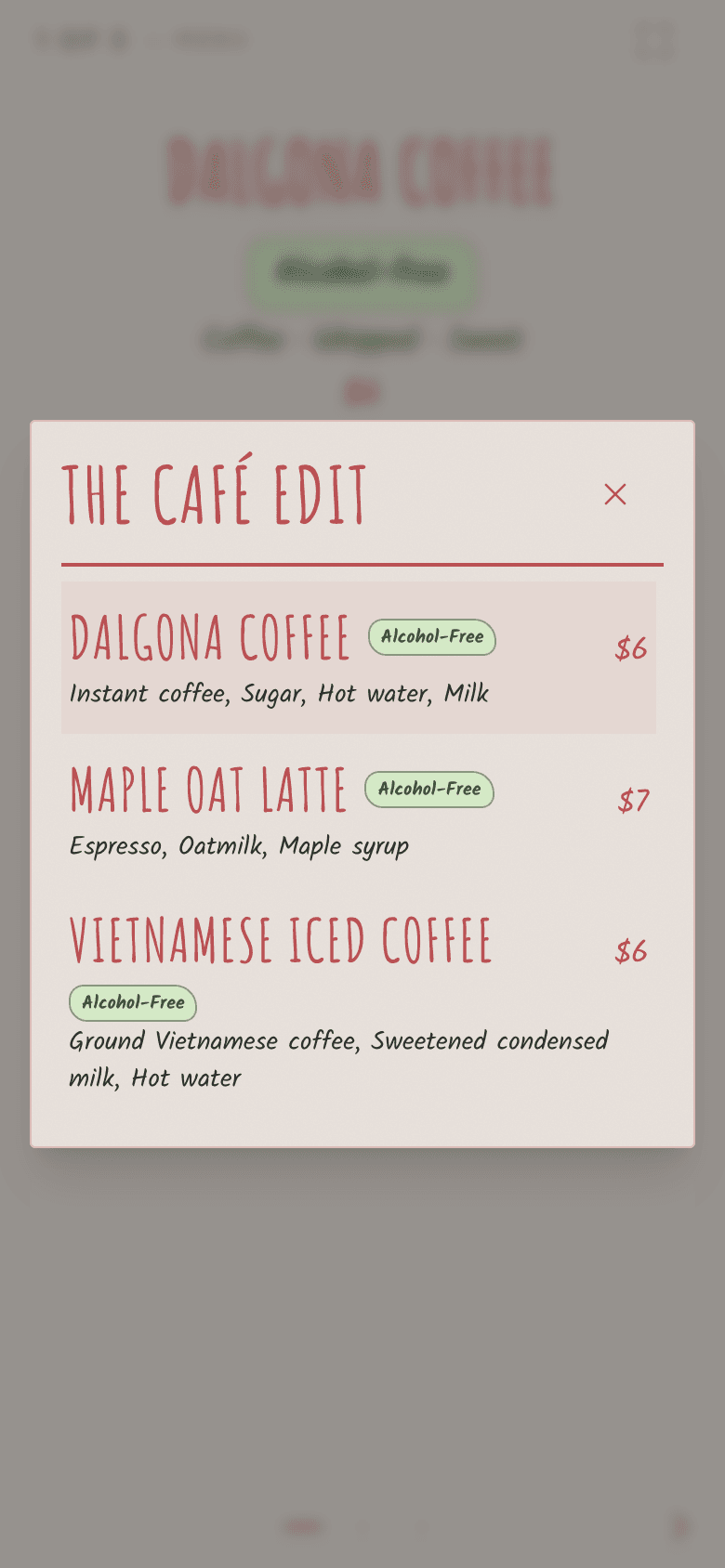
And many more!
See what you can make.
Find a favourite recipe.
Choose a theme. Add prices & dietary notes.
Let guests scan your menu’s QR code.
DrinkClink is a drink recipe and party menu planner. Discover cocktails, mocktails, café drinks and juices, track ingredients in My Bar, customise recipes and create menus to share with guests.
DrinkClink helps home hosts plan drinks for gatherings, and supports menus for cafés, bars and commercial events with prices and dietary notes.
Yes. Mark ingredients as on hand in My Bar to see what you can make and which ingredients are missing.
Yes. Guests can open a shared menu link or scan its QR code without signing in. You can also create private menus and recipes in the web workspace without an account. Sign in to publish recipes and share menu links.
DrinkClink is free to use, with optional in-app purchases including menu themes.
The web portal is available in your browser. Google Play and Apple App Store downloads are coming soon.